 Image 1 of 1
Paying off student loans doesn’t have to feel overwhelming. Download a loan tracker to help you tackle your student loans with consistency without clutter or complicated formulas.
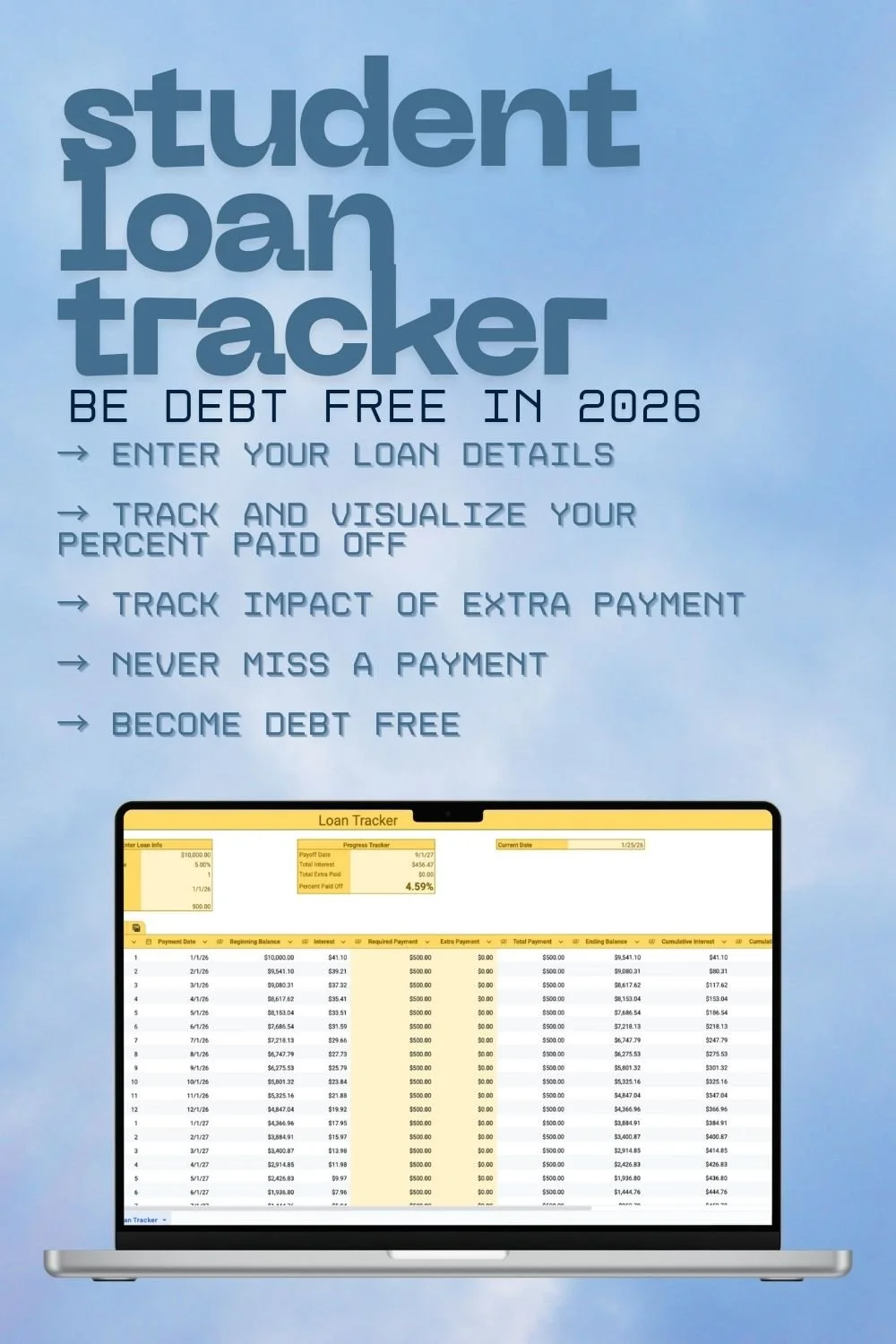
Designed for clarity and motivation, this Google Sheets spreadsheet automatically tracks your progress so you can see how every payment moves you closer to freedom. Perfect for students, graduates, and anyone managing long-term student loan debt.
What’s Included
• Student loan tracker spreadsheet (Google Sheets)
• Automatic progress tracking
• Space to log extra or missed payments
• Clean, minimalist layout
• Instant digital download
How to Use
1. Click the “Template” hyperlink to copy the Google Sheets
spreadsheet to your personal Google Drive.
2. Enter the balance on your loan in cell B4
3. Enter the annual interest rate in cell B5
4. Enter the term of years of your loan
5. Enter the day your loan term began
6. Enter the required monthly payment
7. The “Progress Tracker” section will update automatically.
8. If you ever do or ever have missed a payment or made extra
payments, track those accordingly in columns E and F.
Paying off student loans doesn’t have to feel overwhelming. Download a loan tracker to help you tackle your student loans with consistency without clutter or complicated formulas.
Designed for clarity and motivation, this Google Sheets spreadsheet automatically tracks your progress so you can see how every payment moves you closer to freedom. Perfect for students, graduates, and anyone managing long-term student loan debt.
What’s Included
• Student loan tracker spreadsheet (Google Sheets)
• Automatic progress tracking
• Space to log extra or missed payments
• Clean, minimalist layout
• Instant digital download
How to Use
1. Click the “Template” hyperlink to copy the Google Sheets
spreadsheet to your personal Google Drive.
2. Enter the balance on your loan in cell B4
3. Enter the annual interest rate in cell B5
4. Enter the term of years of your loan
5. Enter the day your loan term began
6. Enter the required monthly payment
7. The “Progress Tracker” section will update automatically.
8. If you ever do or ever have missed a payment or made extra
payments, track those accordingly in columns E and F.